
When Should You Use Animation Instead of Live Footage in a Business Video?

Use animation when you need to explain something abstract, show a process that has no camera-friendly moment, produce a video fast without a shoot, or update the content later without reassembling a crew. Use live footage when the point of the video is a real person, a physical product, or a genuine moment that viewers need to trust. Most business videos fall clearly on one side, and a few mix both. The rest of this piece shows you how to tell which you're making.
What does animation do better than live footage?
Animation handles ideas that don't exist in front of a camera. If you're explaining how data moves through a system, how a subscription works, or why a policy changed, there's nothing physical to film. An animated diagram or character can show the concept step by step, and you control every frame.
It also wins on speed and repeatability. A shoot needs a location, talent, lighting, and a schedule that survives contact with reality. An animated video built from templates needs a script and an afternoon. When the product changes or a number is wrong, you edit a text layer instead of booking the crew again. That matters for content you'll revise, like onboarding decks, company and team update videos, and internal process walkthroughs.
Animation is forgiving on budget too. You don't pay for a camera operator or a studio, and you're not limited by what you could physically capture. A small team can produce a polished explainer video that looks consistent every time, which is hard to guarantee with footage shot on different days.
When is live footage the right call?
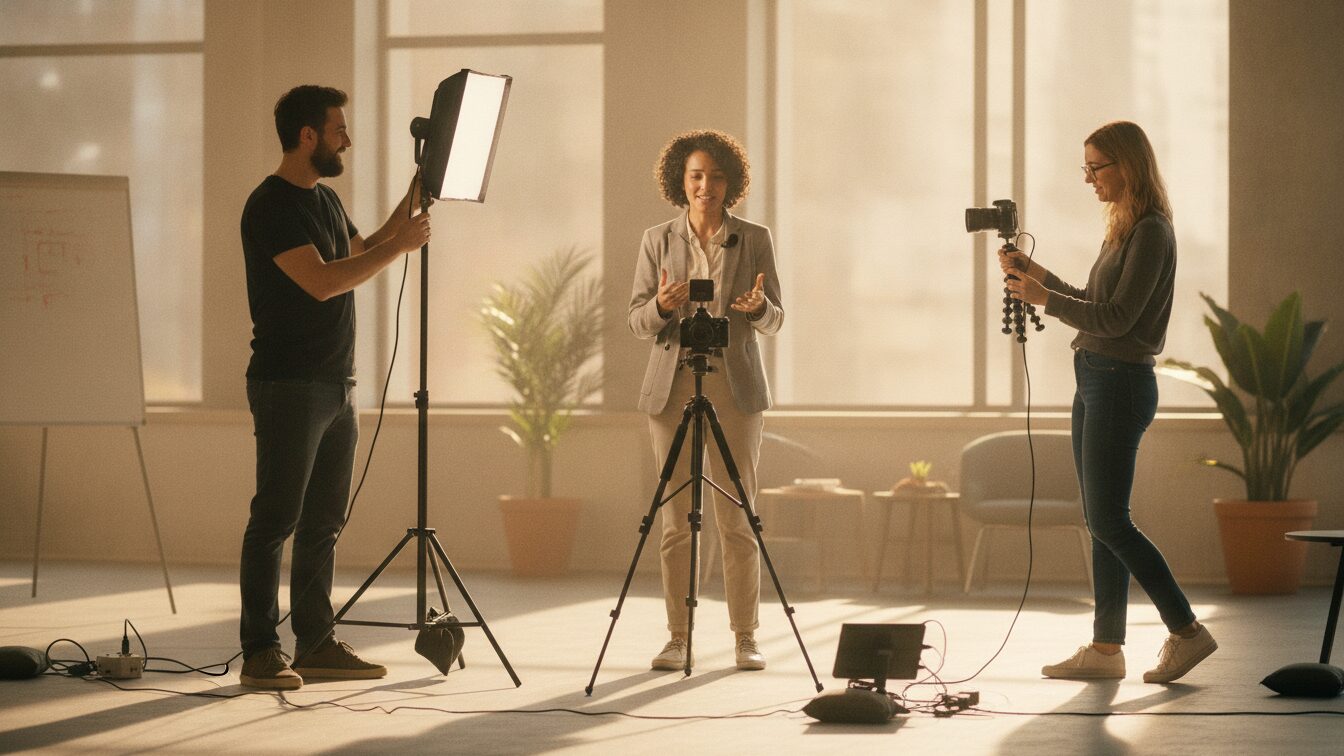
Reach for live footage when authenticity is the message. A recruiter showing the real office, a founder speaking to camera, a customer describing what changed for them, a product being handled by real hands. These moments carry trust that animation can't fake, because viewers know the difference between a drawing and a person.
Live footage also wins when the physical detail is the point. If you're selling a product whose texture, scale, or finish matters, viewers want to see it, not a stylized version. Demos of hardware, tours of a space, and testimonials all lean on real footage for the same reason: the realness is doing the persuading.
The trade-off is effort and rigidity. Footage takes longer to capture and is harder to change. Reshoot a line and you may need the same person, the same light, and the same room. If your content is stable and the human element is central, that cost is worth paying. If not, it's friction.
How do animation and live footage compare on cost, speed, and control?
Here's the honest side-by-side for a small team weighing the two.
| Factor | Animation | Live footage |
|---|---|---|
| Cost to produce | Low, no crew or location | Higher, crew, gear, and time |
| Speed to first draft | Fast, hours from a template | Slower, needs planning and a shoot |
| Explaining abstract ideas | Strong, you can visualize anything | Weak, nothing physical to film |
| Trust and authenticity | Lower, clearly stylized | High, real people and products |
| Ease of editing later | Easy, change text and swap scenes | Hard, often needs a reshoot |
| On-brand consistency | Easy to lock with a brand kit | Varies shot to shot |
The pattern is clear. Animation trades a little authenticity for speed, low cost, and control. Live footage trades speed and flexibility for the trust that only real people and real objects can carry. Match the trade-off to what your video actually needs to do.
Which one fits your specific video?
Lead with animation for explainers, onboarding, internal process guides, and product concept videos, especially anything you'll revise as things change. Marketing teams use it for quick promo videos that stay on brand without a shoot, and HR and internal comms teams use it for policy and update content that needs to be edited more than once.
Lead with live footage for testimonials, culture and recruiting videos where the real team is the draw, and physical product demos where viewers need to see the thing itself. Many strong videos combine both: a talking-head intro, then animated screens or diagrams to carry the explanation, then back to a real face for the close.
If animation is your pick, you don't need motion-design skills to make it look professional. An animated video maker that runs in your browser lets you start from a template, drop in your script, and apply your colors and logo through a brand kit. You can also start from a text prompt with an AI video maker and edit the draft instead of building from an empty timeline.
Frequently asked questions
Can you mix animation and live footage in one video?
Yes, and it often works best. A common structure opens with a real person on camera, uses animated screens or diagrams to explain the detail, then returns to footage for a human close. You get authenticity where it counts and clarity where a camera can't help.
Is animation always cheaper than filming?
Usually, for a small team. Animation skips the crew, location, and equipment, and template-based tools cut production time to hours. Custom, hand-drawn animation from an agency can cost more than a simple shoot, but the template route stays inexpensive.
Do you need design skills to make an animated business video?
No. Template-based tools handle the motion and layout for you, so you supply the script and your brand assets and adjust the scenes. That's the point of a business video maker aimed at non-specialists rather than professional editors.
Does animation look less professional than live footage?
Not inherently. Poorly lit footage looks worse than clean animation, and slick animation looks worse than a genuine testimonial. Professionalism comes from clarity, consistency, and a clear message, not from the medium itself.
Last updated: September 2026