
Trusted by 9+ million people and over 10,000 companies


















How to build videos with AI
Create professional-quality videos with all of the control and none of the heavy lifting. AI writes your script, builds your storyboard, and generates your final video in minutes.
1. Choose your topic
Answer some quick Qs about your video’s topic, requirements, and goal.
2. Tweak the script
Easily tweak your AI-generated script and storyboard.
3. Share your video
Publish your video or fine-tune in the timeline.
Smarter videos start with AVA
Turn crumbs into polished videos with Biteable’s AI Video Assistant (AVA).
Skip the script, draft with AI
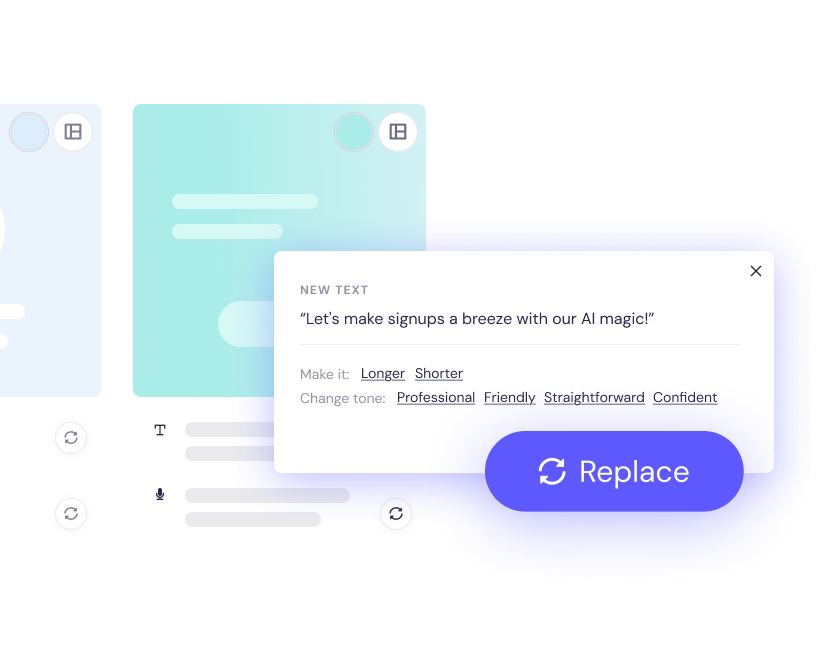
AI-generated scripts tailored to your video’s topic and goals. Choose to include an AI voice-over, or tweak on-screen text with AI text suggestions.
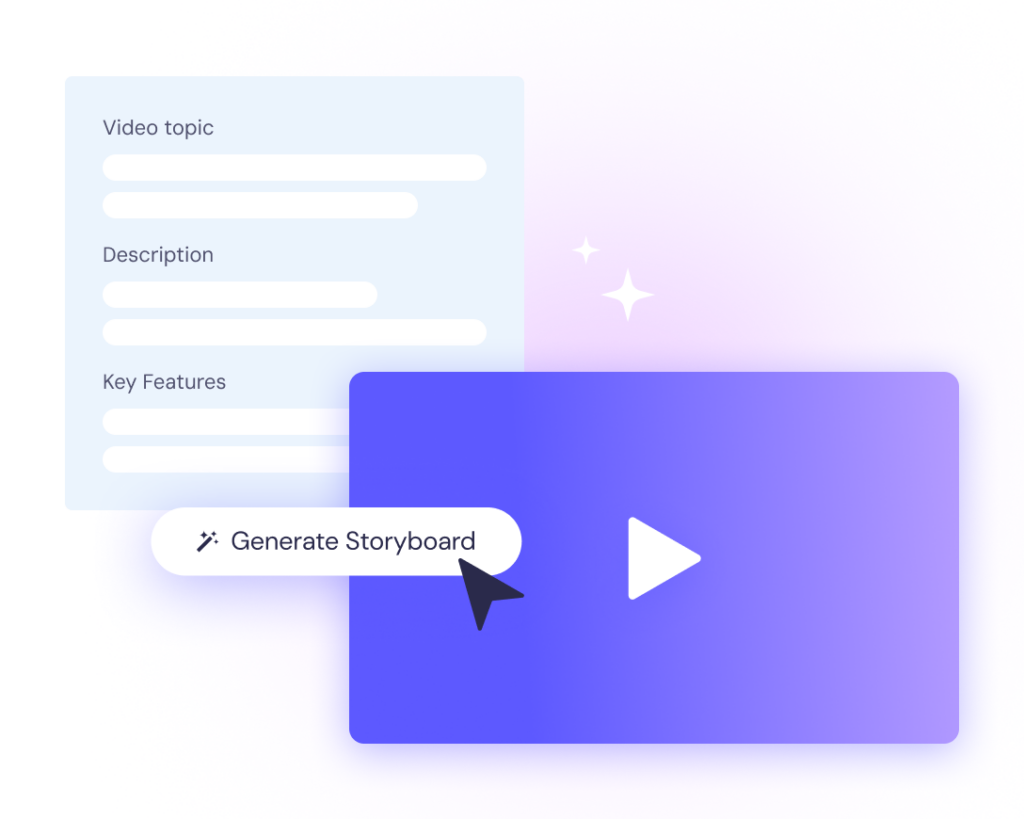
A storyboard in seconds
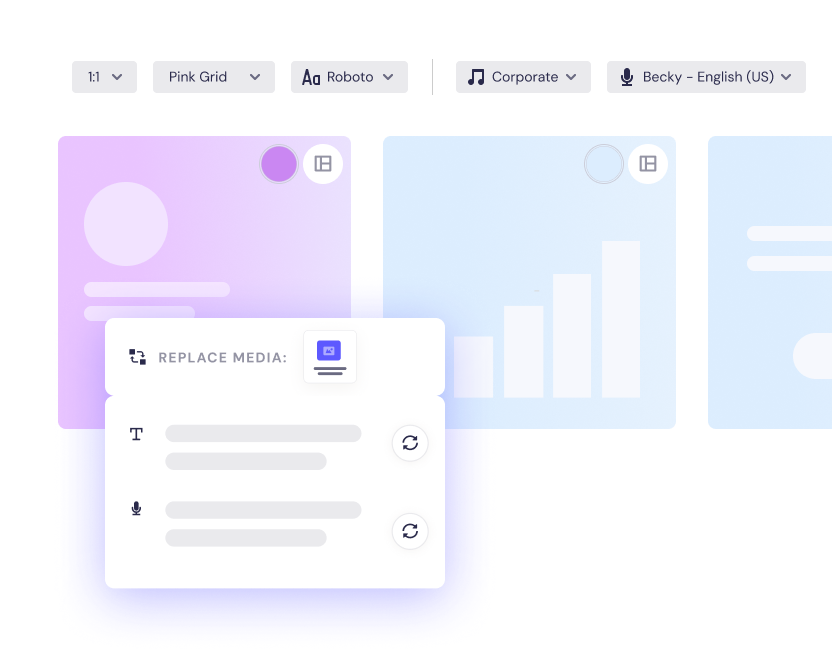
Review your video as an editable storyboard, complete with media, style, and layout options. Make it yours before it hits the timeline.
Made for more than just ads
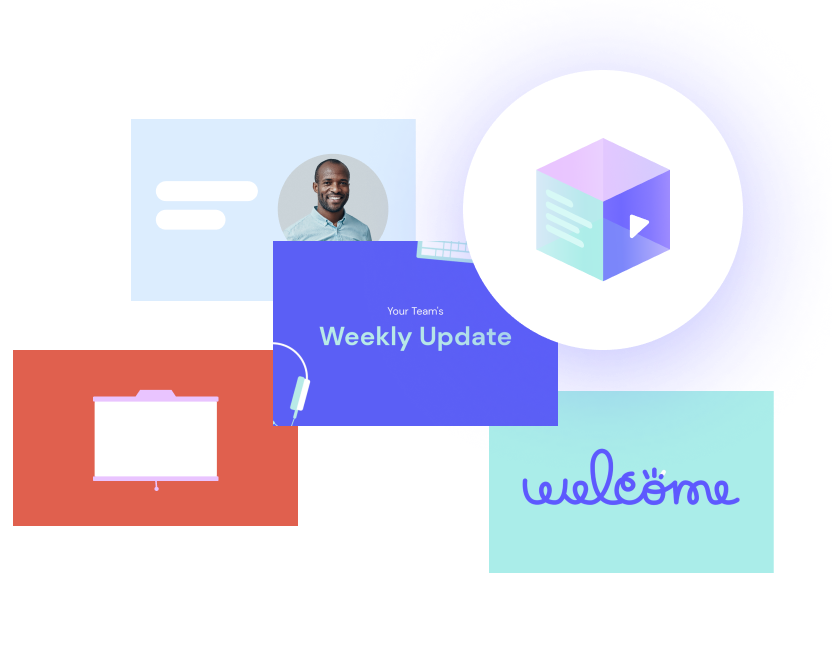
Build everything from business explainers and product promos to birthday shout-outs and event announcements. An AI video maker for every kind of video.
How to make an AI generated video with Biteable
Start a free 7-day trial
Then choose to 'begin with our video assistant'
Choose your video type
Tell us what your video is about
Answer AVA's questions
Respond to some quick Qs about your video
Tweak your AI-generated video
Easily edit your AI-generated script, voice-over, style, and branding in storyboard mode, or fine-tune with the timeline.
AI videos for every message
Every message. Any format. AVA builds custom AI videos that hit the mark. Explore just a few AVA use cases:
Promo ads
Show off your offer. Sell the moment. Drive action with eye-catching promos.
Explainer ads
Break it down, build them up. Explain what you do in a way that sticks.
Awareness ads
Get noticed. Fast. Make a bold first impression with scroll-stopping AI videos.
Topic explainers
Make the complex simple. Share ideas, how-tos, and insights — fast.
Event announcements
Build the hype. Get people clicking, saving, and showing up.
Celebration videos
Mark milestones, wins, and moments worth sharing.
Job ads
Attract top talent with scroll-stopping videos that sell the role — and your brand.
Policy explainers
Cut the confusion. Make policies clear, quick, and easy to follow.
Tips & listicles
Bite-sized insights, delivered fast. Perfect for engagement and shareability.
Frequently asked questions
What is AVA?
AVA (short for AI Video Assistant) is Biteable’s smart video builder. It uses AI to turn your answers into a custom script, storyboard, and editable video — ready to personalize and publish.
How does the AI video builder work?
Just answer a few quick questions about your topic, product, or message. AVA writes a script, builds a visual storyboard, and generates a video draft you can edit however you like.
What kinds of videos can I create with AI?
AVA is built for a wide range of use cases, including ads, promos, explainers, training videos, announcements, internal comms, and more.
Can I edit the video after the AI video generator builds it?
Yes! Once AVA delivers your video draft, you can edit everything — from text and scenes to visuals, music, and voice-over — using Biteable’s storyboard mode or full video editor.
Can I change the script AI writes?
Yes, the script is fully editable. You can tweak, rewrite, or regenerate sections of the script in storyboard mode, or after your videois created.
Is there a free trial to try the AI video maker?
Yes, you can try AVA for free. No credit card required — just sign up and start creating professional video ads instantly.
What does the free trial include?
Your free 7-day trial includes the very best features, content, and collaboration tools from Biteable’s Pro and Premium plans. You can also publish your videos and share them from within Biteable.
Do I need a credit card to start a trial?
No, you don’t need a credit card to start your free trial. You only need to enter your credit card details if you choose to purchase a paid plan.