
How Does an Operations Team Keep Every SOP Video Up to Date When Processes Change?
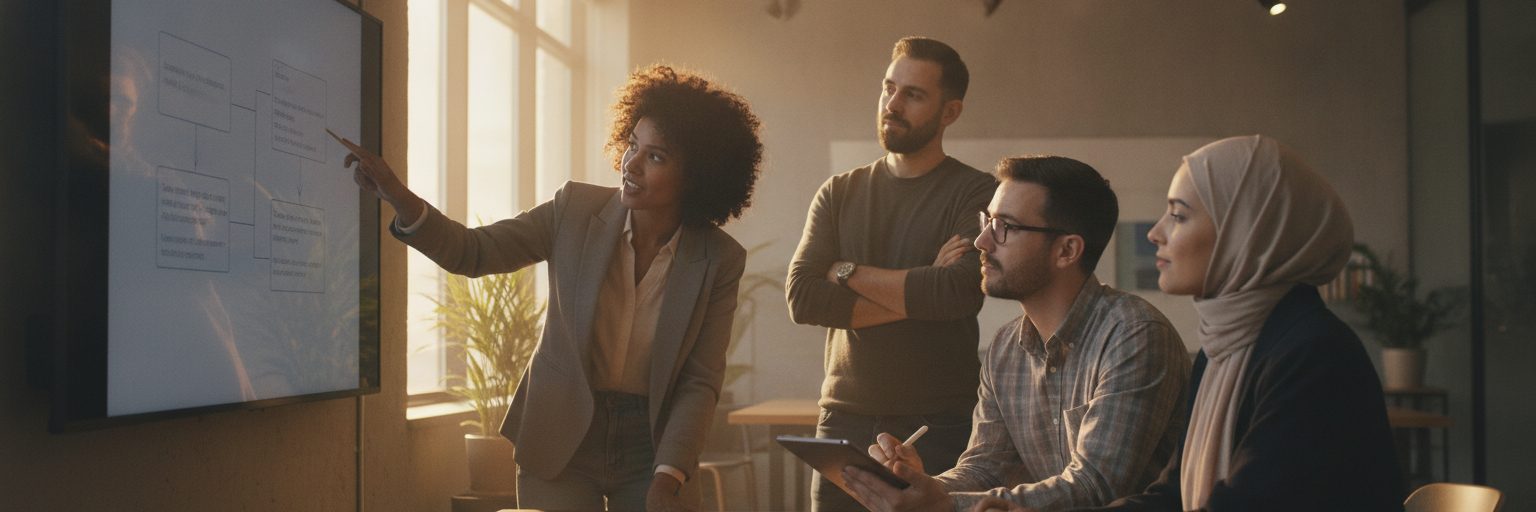
Keep SOP videos current by treating them as living documents tied to the processes they describe: run a scheduled audit, update the source video (not a copy) using shared templates and a brand kit, and re-publish to the same link so everyone always sees the latest version. The work is manageable when each video is built to be edited later, not filmed once and forgotten. Below is the exact order an operations lead can follow.
How do you build an SOP video library that is easy to update?
Before you can keep videos current, you need a library that does not fight you every time a step changes. Three decisions up front save hours later.
First, build each SOP from a shared template rather than starting fresh. When every video uses the same intro, caption style, and section layout, swapping one scene does not throw off the rest. Second, store logos, colors, and fonts in a single set of brand assets so an update never drifts off-brand. Third, name and tag videos by the process they document, not by the date they were made, so you can find the right one in seconds when a procedure shifts.
Because Biteable for operations teams runs in the browser, the source file lives in a shared workspace instead of on one person's laptop. That matters more than it sounds. The most common reason an SOP video goes stale is that the only editable copy belongs to someone who left the company.
What does a quarterly SOP video audit actually look like?
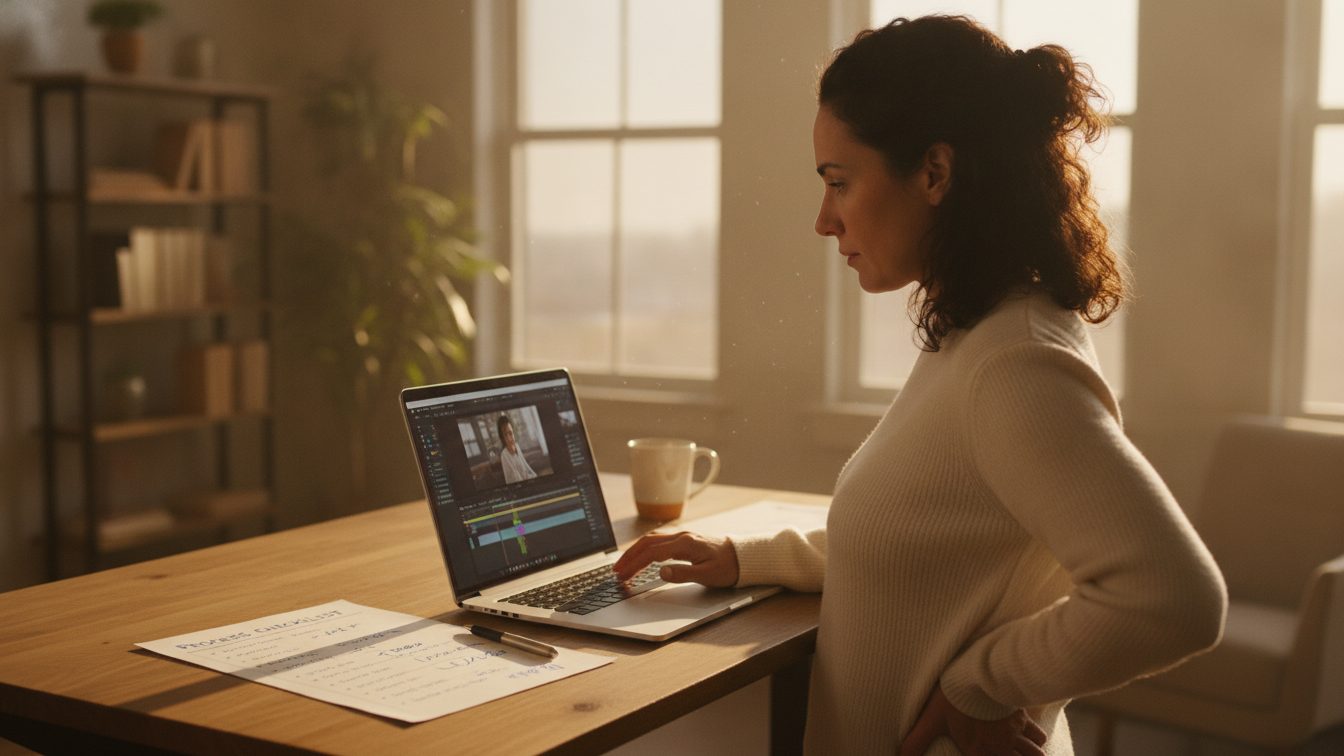
Set a recurring audit, monthly for fast-moving teams, quarterly for most. The audit is a short, repeatable pass, not a project. Here is the order that works:
- Pull your list of SOP videos next to your list of written procedures. Every video should map to a live procedure. Flag any video whose procedure has changed, been retired, or moved to a different owner.
- Watch each flagged video at normal speed and note the exact timestamps where the content is now wrong. A changed button label, a new approval step, an updated safety rule. Write the fix next to the timestamp.
- Sort the flagged videos into three buckets: small text fix, one or two scenes to replace, or full rebuild. Most updates land in the first two buckets, which take minutes.
- Assign an owner and a due date for each. A flagged video with no owner is a video that stays wrong.
Keep the audit notes in the same place as the videos. When the next audit comes around, you want the history of what changed and why, not a blank slate.
How do you update and re-publish a single SOP video without redoing the whole thing?
This is where a template-based workflow pays off. Open the existing project (the source, not a download), make the change, and publish over the same link. You are editing one scene, not rebuilding a video.
Say an approval step moved from one manager to two. Open the project, go to the scene at your noted timestamp, update the on-screen text and the voiceover or caption, and pull a fresh icon or stock clip if the visual needs to match. The brand kit keeps the new text in the right font and color automatically, so the updated scene looks identical to the untouched ones. If a change is big enough to need a new section, duplicate an existing scene as the starting shape rather than building from zero.
For a larger rework, the AI video assistant can generate a first draft of the new section from a short text prompt describing the revised steps, which gives you a structured starting point to edit down. When the edit is done, re-publish. Because the share link stays the same, every place the video is embedded (your SOP wiki, an onboarding doc, a training folder) now shows the corrected version with no relinking.
Leave a one-line changelog in the project description: what changed, the date, and who approved it. Auditors and new team members will thank you.
Who owns keeping SOP videos current, and how do you avoid version chaos?
Assign a single video owner per process, usually the person who owns the written SOP. They approve changes and press publish. Everyone else can suggest edits or leave feedback in the shared project, but one person holds the final version. This is the simplest guard against two people editing conflicting copies.
Avoid version chaos with one rule: never download and re-upload to make a change. Edit the source and publish over it. Downloaded copies are how three slightly different versions of the same SOP end up circulating. If you need an archived snapshot for compliance, note the publish date in your audit log rather than keeping a stray file.
| Update type | What changed | Typical effort | Who approves |
|---|---|---|---|
| Text fix | A label, number, or name | Minutes, in one scene | Video owner |
| Scene swap | A step added or reordered | Short, one or two scenes | Video owner |
| Full rebuild | Procedure overhauled | Longer, start from template | Owner plus process lead |
| Retire | Process removed | Unpublish and log | Process lead |
The same shared workspace that holds SOP videos works for the broader set of internal content your team produces, from team update videos to training clips. Keeping all of it in one branded library means an audit covers everything at once, and nothing goes stale in a corner.
Frequently asked questions
How often should SOP videos be reviewed?
Review on a fixed schedule tied to how fast your processes move. Monthly suits teams with frequent procedure changes; quarterly works for most operations groups. Also review any video the moment its underlying written SOP is edited, so the two never drift apart.
Do I have to re-record a video when one step changes?
No. If each video is built from a template, you edit only the affected scene, update the text or visual, and re-publish. A single step change is usually a few minutes of work, not a re-record.
How do I make sure everyone sees the updated version?
Edit the original project and publish over the same share link instead of creating a new file. Any doc, wiki page, or folder that already embeds that link will show the corrected version automatically, with no relinking.
Who should own SOP video updates?
The person who owns the written procedure should also own the video. They approve changes and publish the final version, while teammates contribute feedback in the shared project. One clear owner per video prevents conflicting copies.
Can I keep SOP videos on-brand across a large team?
Yes. A shared brand kit applies your logo, colors, and fonts across every video, so updates made by different people still match. New scenes pick up the same styling as the originals without manual formatting.
Last updated: October 2026