
How Do You Make an On-Brand Video When Your Team Has No Designer?
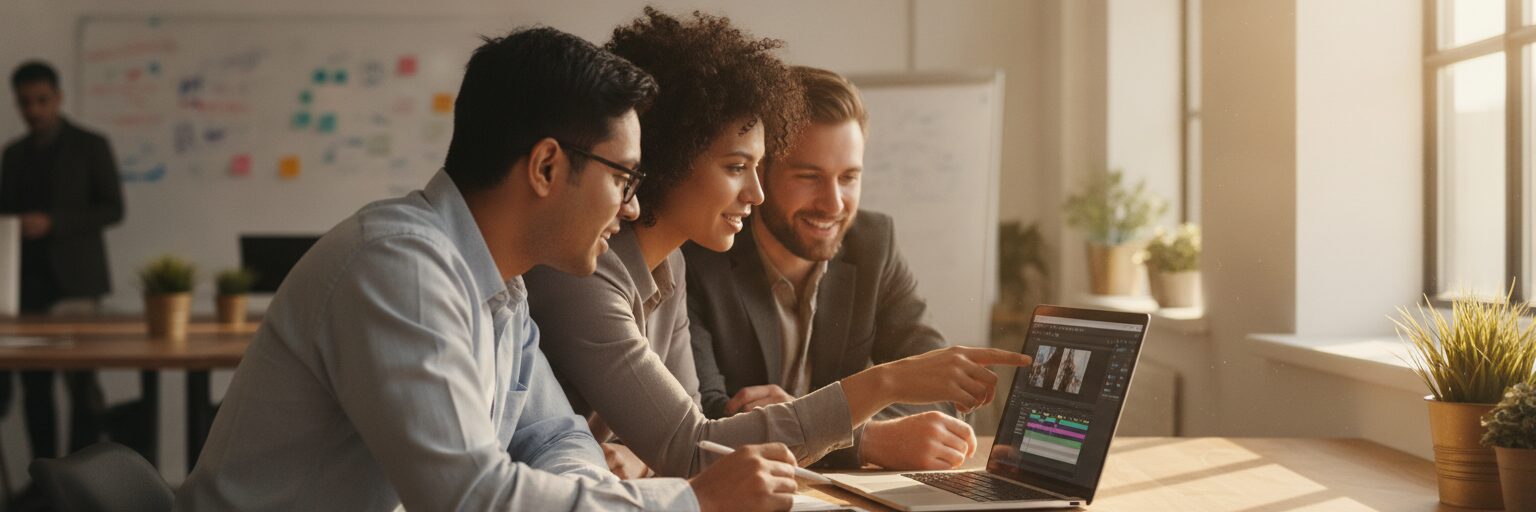
You make an on-brand video without a designer by setting up a brand kit first, then customizing a template that pulls your logo, colors, and fonts automatically. Do the branding work once, and every video after that starts on-brand by default. No design degree needed, and no one on your team has to eyeball hex codes or guess which shade of blue is right. The order matters, so here is the exact sequence a small marketing or comms team follows to go from blank screen to finished video.
What do you set up before you touch a template?
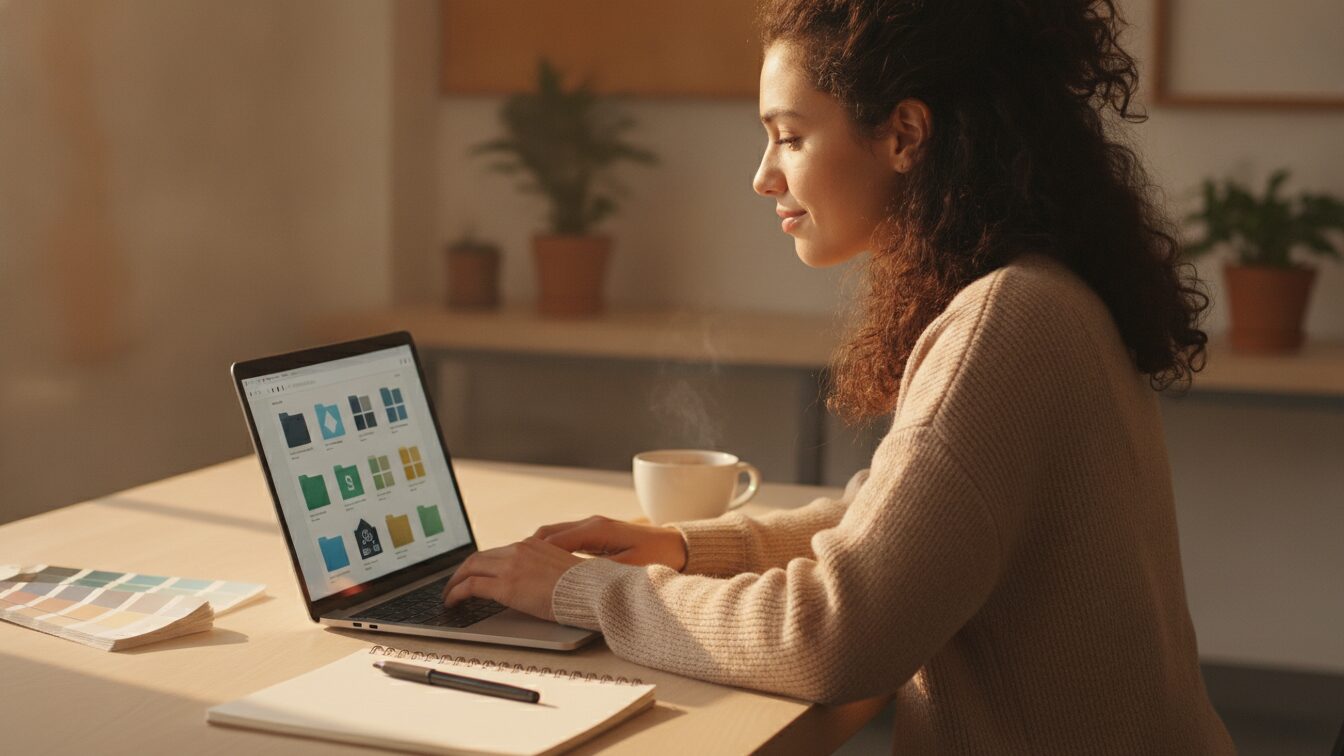
Start with the brand kit. This is the single most important step, and it is the one people skip. A brand kit in Biteable stores your logo files, your exact brand colors, your fonts, and any reusable assets in one place. Once it is loaded, every template you open can apply those elements instead of the generic defaults.
Gather three things before you sit down: your logo as a clean file (ideally a transparent PNG), your brand color codes as hex values, and the name of your brand font. If your company has a one-page brand guide, pull the codes straight from it. If it does not, grab the colors from your website or ask whoever owns your logo files. This takes ten minutes and saves you from redoing it on every project.
Load those into the brand kit and save. From now on, anyone on the team who opens a project inherits the same colors and fonts. That consistency is exactly what a designer would enforce, except the tool enforces it for you.
How do you pick and customize a template?
With the brand kit in place, open the library of video templates and pick one that matches your goal, not one that just looks nice. A product launch needs a different structure than a hiring post or a monthly team update. Filter by what you are making, then watch the template through once so you know the flow before you start editing.
Here is the sequence once you have a template open:
- Apply your brand kit so the template swaps its placeholder colors and fonts for yours.
- Replace the headline and body text scene by scene. Keep each line short enough to read in the time it stays on screen.
- Swap the stock visuals for footage, images, or animations that fit your message. You can pull these from the built-in library if you do not have your own.
- Drop your logo into the intro or outro scene. If it is in the brand kit already, it is a click away.
- Set the music track and check the pacing. Trim scenes that linger and stretch ones that flash by too fast.
The point of a template is that the layout, timing, and transitions are already designed. You are filling in your content, not building from a blank timeline. That is what makes this workable for a team with no design skills.
Can AI give you a faster starting point?
Yes. If you are staring at the template library unsure where to begin, describe what you want in a sentence and let the AI video assistant generate a first draft. Type something like "a 30-second video announcing our new customer support hours" and you get a structured draft with scenes, text, and visuals already arranged. You then apply your brand kit and edit from there.
This is genuinely faster than starting cold, especially for people who freeze at an empty screen. The AI draft is a starting point, not a finished product, so plan to rewrite the copy in your own voice and swap visuals that miss the mark. Treat it like a rough cut a junior would hand you.
How does a team keep every video consistent?
Share the project and work from the same brand assets. Because the brand kit is shared, a teammate who edits your video or starts a new one is working from the same colors, fonts, and logo you set up. Nobody reinvents the brand each time. You can leave feedback in one place instead of trading screenshots over email, which keeps rounds of edits from spiraling.
This is the difference between a one-off video and a repeatable habit. Once your marketing team's video setup is standardized, a recruiter, an ops lead, or a manager can produce something on-brand without asking you to review the colors. It works the same way for HR and internal comms teams who churn out regular updates.
How does this compare to other tools?
Different tools solve different parts of the problem. Here is an honest breakdown of where each fits when you have no designer.
| Tool | Best for | Brand consistency without a designer |
|---|---|---|
| Biteable | Branded template videos, AI drafts, team output | Strong: brand kit applies to every project |
| Canva | Graphics and social posts, some video | Good for design-led teams who want manual control |
| Loom | Quick screen and webcam recordings | Limited: built for raw recording, not branding |
| CapCut | Manual editing, social clips | Manual: you style each project yourself |
If your job is polished on-brand output produced fast by non-editors, a template plus brand kit setup fits. If you mainly need quick unbranded screen recordings, a tool like Loom is simpler. If you want full manual control over every frame, CapCut gives it, but you supply the design judgment. Match the tool to the work.
Ready to try the full workflow? Start in the Biteable online video maker, set up your brand kit, and build your first template from it.
Frequently asked questions
Do I need design skills to make an on-brand video?
No. The brand kit handles color and font consistency, and templates handle layout and timing. You supply the message and the assets, and the tool keeps the styling correct.
What do I need before I start?
Your logo file, your brand color hex codes, and your brand font name. Load those into the brand kit once, and every future video inherits them automatically.
How long does a branded video take to make?
After the one-time brand kit setup, a short template-based video can take under an hour, depending on how much custom footage and copy you swap in. An AI-generated draft shortens the first pass further.
Can my whole team use the same brand kit?
Yes. Share projects and brand assets so teammates start from the same logo, colors, and fonts. That is what keeps output consistent across marketing, HR, sales, and other teams without a designer reviewing each one.
Does it run in a browser?
Yes. Biteable runs in your web browser with nothing to download or install, so anyone on the team can create from any device or operating system.
Last updated: August 2026