
How Do You Make a Company Update Video When Your Team Is Fully Remote?
To make a company update video when your team is fully remote, write a short script around one or two key messages, build the video in a browser-based tool so anyone can access it from any device, gather feedback asynchronously in one shared place, lock it against your brand kit, and share it as a single link. The whole process can happen without a studio, a download, or a meeting that spans five time zones. Below is the full workflow in the order you will actually do it.
What should go in the script before you touch a template?
Start with the message, not the visuals. A company update video works best when it answers three questions: what changed, why it matters to the viewer, and what they should do next. If you cannot fit the core update into about 150 to 200 spoken words, you probably have two videos, not one.
Write the script in plain spoken language. Read it out loud and cut anything you would not actually say to a colleague. Aim for 60 to 90 seconds of finished runtime for a routine update, and up to two minutes for a bigger announcement. Break the script into scenes as you write, because each line or idea usually maps to one on-screen moment: a headline, a stat, a quote from a leader, a next step.
Decide early who narrates. A remote update can use on-camera clips from a manager, a voiceover, or on-screen text with music. Text and voiceover scale better across time zones because you are not coordinating everyone's webcam and lighting. If you want a face on camera, ask one or two people to record a short clip on their phone rather than organizing a group shoot.
How do you build the video without a download or a video editor on staff?
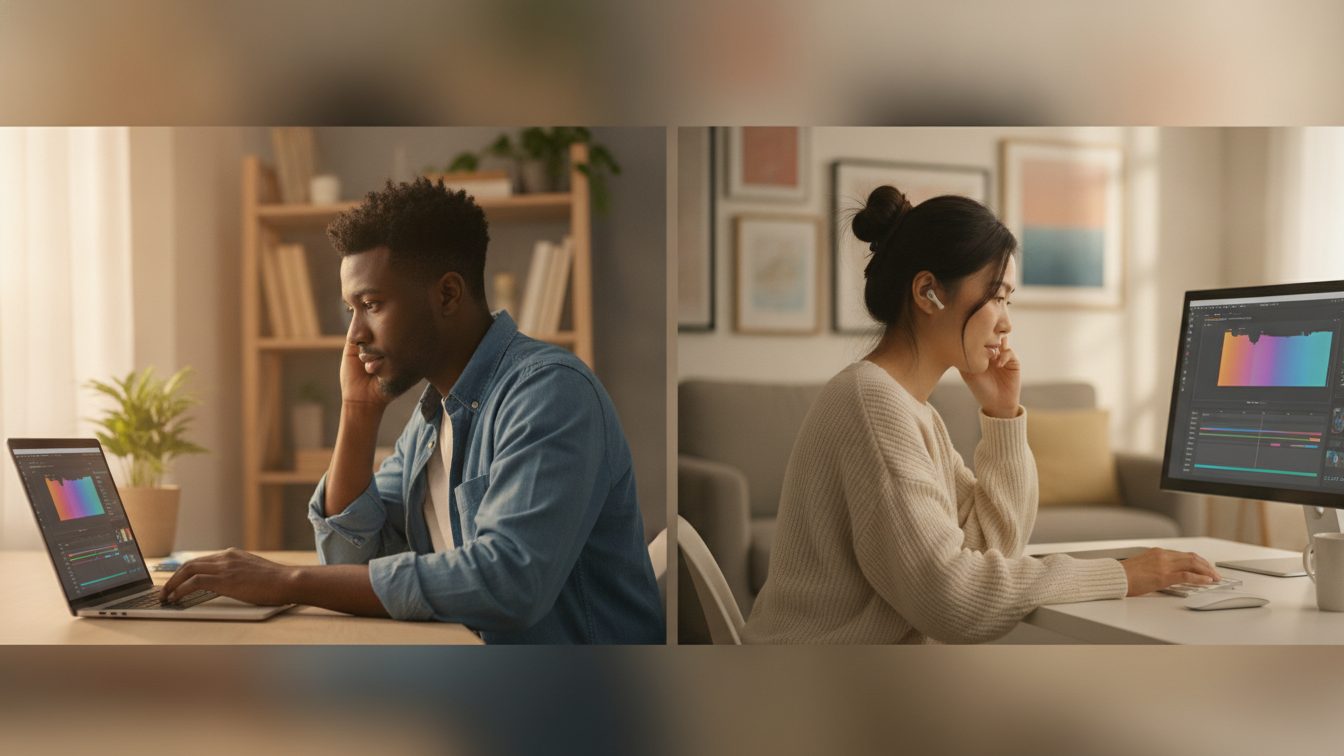
Use a tool that runs in the browser so your remote team can create and review from wherever they are. A browser-based video maker removes the biggest remote blocker: no software to install, no operating system conflicts, and no files to email around. Someone on a laptop and someone on a borrowed desktop can open the same project.
Start from a template rather than a blank timeline. Pick a layout built for internal messaging from a library of video templates, then swap the placeholder text for your script scene by scene. If you want a faster first pass, describe the update in a sentence or two and let an AI video assistant draft the scenes for you, then edit from there. Either way you are shaping something that already exists instead of starting from nothing.
Fill the scenes with visuals that match the words. Pull in stock footage, images, animations, and music from the built-in library. Keep motion simple: one idea per scene, legible text, and enough time on screen to read it twice. For an update specifically, see how teams structure these in the company and team update video use case.
How do you collect feedback when nobody is in the room?
This is where remote video usually falls apart, so handle it deliberately. Do not send a draft and ask for "thoughts" over chat, where notes scatter across threads. Instead, share the project in one place and ask reviewers to leave comments directly on the video, tied to the moment they are reacting to.
Give reviewers a deadline and a narrow brief. Ask three questions: is anything factually wrong, is anything unclear, and does anything feel off-brand? That keeps feedback focused on fixes instead of opinions about font choices. Decide in advance who has final sign-off, usually the person whose update it is, so you are not stuck in an endless loop of competing edits.
Because the project lives in the browser, you make the change once and everyone sees the current version. Nobody is reviewing an outdated file. This matters most for teams that ship updates regularly, like operations teams coordinating across locations or HR teams sending company-wide messages.
How do you keep every update on brand without policing it?
Set up a brand kit once so your logo, colors, fonts, and assets live in one place. Then anyone who builds an update pulls from the same source, and the output stays consistent without a designer checking every frame. This is what makes a recurring update video sustainable: the fifth one looks like the first, even if a different person made it.
Work from shared templates for the same reason. If your monthly update always opens with the same intro and closes with the same next-step card, save that as a template the team reuses. New people drop in the new content and the structure holds.
Which remote update approach fits your team?
| Approach | Best for | Remote friction |
|---|---|---|
| On-screen text and voiceover | Routine updates, mixed time zones | Low: no cameras to coordinate |
| Phone clips from one or two leaders | Bigger announcements, personal tone | Medium: light recording, easy to combine |
| Full group on-camera shoot | Rare milestone moments | High: scheduling and quality vary |
| AI-drafted first pass, then edit | Fast turnaround, small teams | Low: quick starting point to refine |
How do you share the finished update so people actually watch it?
Share one link rather than a heavy file attachment. A link works in email, chat, and your intranet, and it plays on any device without a download. Post it where your team already looks, and put the key message in the surrounding text too, so people who cannot play audio at that moment still get the point.
Keep the videos somewhere the team can find past updates. A consistent place and a consistent format train people to expect and watch the next one. If this becomes a regular habit, compare your options and limits on the Biteable plans page before you scale it up.
Frequently asked questions
How long should a remote company update video be?
Aim for 60 to 90 seconds for a routine update and up to two minutes for a major announcement. Remote viewers watch on their own time and skim, so lead with the most important point and cut anything that is not essential.
Do I need a camera or studio to make one?
No. Many strong update videos use on-screen text, stock footage, and a voiceover, which skips cameras entirely. If you want a personal touch, a short phone clip from a leader is enough.
How do remote teams give feedback without endless meetings?
Share the draft in one place, ask reviewers to comment directly on the video, set a deadline, and name one person for final sign-off. Comments tied to the video beat scattered chat threads.
How do I keep recurring updates looking consistent?
Save a reusable template for your update format and store your logo, colors, and fonts in a brand kit. Everyone builds from the same assets, so each update stays on brand without a manual review.
Can people on different devices work on the same video?
Yes. A browser-based tool runs without any install, so teammates on different laptops, desktops, and operating systems can open and edit the same project.
Last updated: November 2026