
TL;DR
- A testimonial video is a real customer, on camera, saying how your business helped them.
- Record Request lets customers record from a link. No film shoot, no file transfers.
- Biteable turns the clips into a branded video with AI Captions, ready to share with one link.
- Start with a free 7-day trial. No credit card needed.
What is a testimonial video?
A testimonial video is a short video in which a real customer, or sometimes an employee, describes a problem they had, how a business helped, and the result, in their own words. Businesses use testimonial videos on websites, social posts, emails and sales follow-ups to show proof from people who have already bought.
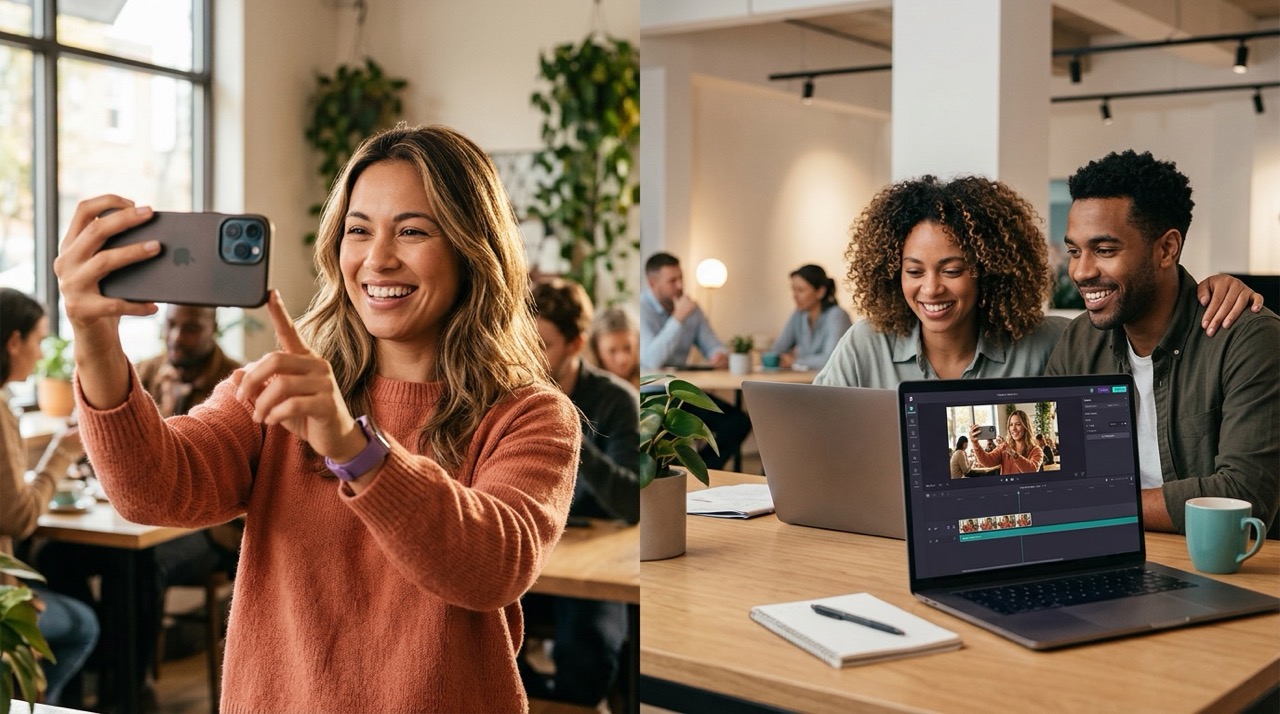
In Biteable, customers record their part through Record Request. You edit, brand, caption and share the finished video in the same place.
Why customer video testimonials work
Customer video testimonials let a buyer see and hear a real person talk about your business. A written quote on a web page can't do that.
- Viewers can judge the person for themselves. They see the customer's face and hear their voice.
- Viewers see someone like them. A customer with the same problem makes the result feel within reach.
- One recording becomes several clips. Cut it into short clips for your website, social posts and email.
- Captions reach people with the sound off. Biteable's AI Captions are created in one click and help viewers follow along when they can't play audio. Captions are included on the Premium and Business plans.
How Biteable turns customer clips into a testimonial video
Pick two or three happy customers to ask.
Our guide covers who to ask and when.
Write five to seven short questions.
Start from our testimonial video questions.
Send a Record Request.
Create a prompt and share a link, and customers respond directly in Biteable.
Build the video.
Add the clips to a template, apply your brand, and add AI Captions.
Share and measure.
Share the video with its link, add a clickable CTA at the end, and check views in Biteable's analytics.
Types of testimonial videos
- Customer story: the problem, how you helped, and the result.
- Quick social clip: one customer and one sentence, cut short for social feeds.
- Customer montage: several customers answer the same question, cut together.
- Business testimonial video: a client explains the results their team got from working with you.
- Employee testimonial video: staff talk about what it’s like to work there, for recruiting. Biteable’s Record page lists recruiting videos “featuring employee testimonials” as a use case.
- Feedback roundup: customer survey results and short quotes turned into a video with the Customer Feedback Update template.
See real testimonial video examples for each type.
Everything you need to make testimonial videos in Biteable
Testimonial video examples
What good testimonial videos look like, by type, and how to make each one.
Testimonial video questions and script
The questions to ask and a simple script outline.
How to get video testimonials from customers
Who to ask, when to ask, and how to collect clips with a link.
Record
Record yourself or your screen, or invite someone else to make a cameo with Record Request.
AI Captions
Captions in one click, fully editable, downloadable as SRT and VTT files.
Customer Feedback Update template
Share customer feedback results and quotes in a short video.
Case Study Highlights template
Turn a customer win into a short video with your results and clips.
Where to use video testimonials
Put video testimonials for business where buyers decide:
- Homepage
- Product or service pages
- Landing pages
- Social posts and ads
- Sales follow-ups
Biteable’s publishing tools give every video one link you can share by email, Slack, Teams or social media. You can update the video as many times as you need, and the link stays the same. Add a clickable CTA at the end of the video, with the URL and text you choose, or download the video to use it elsewhere.
Then see what worked. Biteable’s analytics show your view count, who watched to the end, who dropped off early, how many people clicked your CTA, and the cities your viewers are in.
Why small businesses use Biteable for testimonial videos
No film shoot.
Customers record from a link with Record Request.
No editing skills needed.
Start from one of Biteable's templates and swap in your clips.
On brand every time.
Give Biteable your website URL, and its branding tools fetch your brand and apply it to every video you make.
Trusted.
Biteable is trusted by over 9 million users at 10,000+ companies, including Nike, Amazon, and Siemens.
Testimonial video FAQ
How do I ask a customer for a video testimonial?
Ask personally first, soon after the customer gets a good result, and keep the request small: a few short questions and a link to record. Then send a Record Request so they can answer without coming in. Our guide on how to get video testimonials from customers includes a request message you can copy.
What questions should I ask in a testimonial video?
Ask open questions that follow the customer's story: what the problem was, why they chose you, what changed, and what they'd tell someone else. Ask for one specific detail, like hours saved or jobs booked. Our list of testimonial video questions groups them by each stage of the story.
Can I add captions to a testimonial video?
Yes. Biteable's AI Captions use speech recognition to create time-synced captions in one click. You can review and edit the text from the publish page to fix any misheard words. When you download your video, you can export the captions as SRT and VTT files.
Do I need permission to use a customer's video testimonial?
Get the customer's written permission to use their name, face and words before you publish, and keep it on file. The FTC's endorsement guides say endorsements "must reflect the honest opinion of the endorser," and that payment or gifts to an endorser may need to be disclosed. Because customers know in advance their video might be used in your marketing, the FTC suggests saying so, for example: "Customers were told in advance they might be featured in an ad." If a customer names a specific result, the FTC also expects you to show it's typical or state what results people can generally expect. This is not legal advice.
Can I make a testimonial video for free?
You can start with Biteable's free 7-day trial, and you don't need a credit card. The trial includes features from Biteable's Pro and Premium plans, and you can publish and share videos from within Biteable. Inviting anyone to record themselves is included on the Pro, Premium and Business plans, and text captions are included on Premium and Business. See pricing for plan details.